> For the complete documentation index, see [llms.txt](https://docs.punch.win/llms.txt). Markdown versions of documentation pages are available by appending `.md` to page URLs; this page is available as [Markdown](https://docs.punch.win/getting-started/first-trade.md).
# Place Your First Trade
Once your wallet is connected and you have trading funds, you're ready to place your first trade.
***
## Step 1: Browse Events
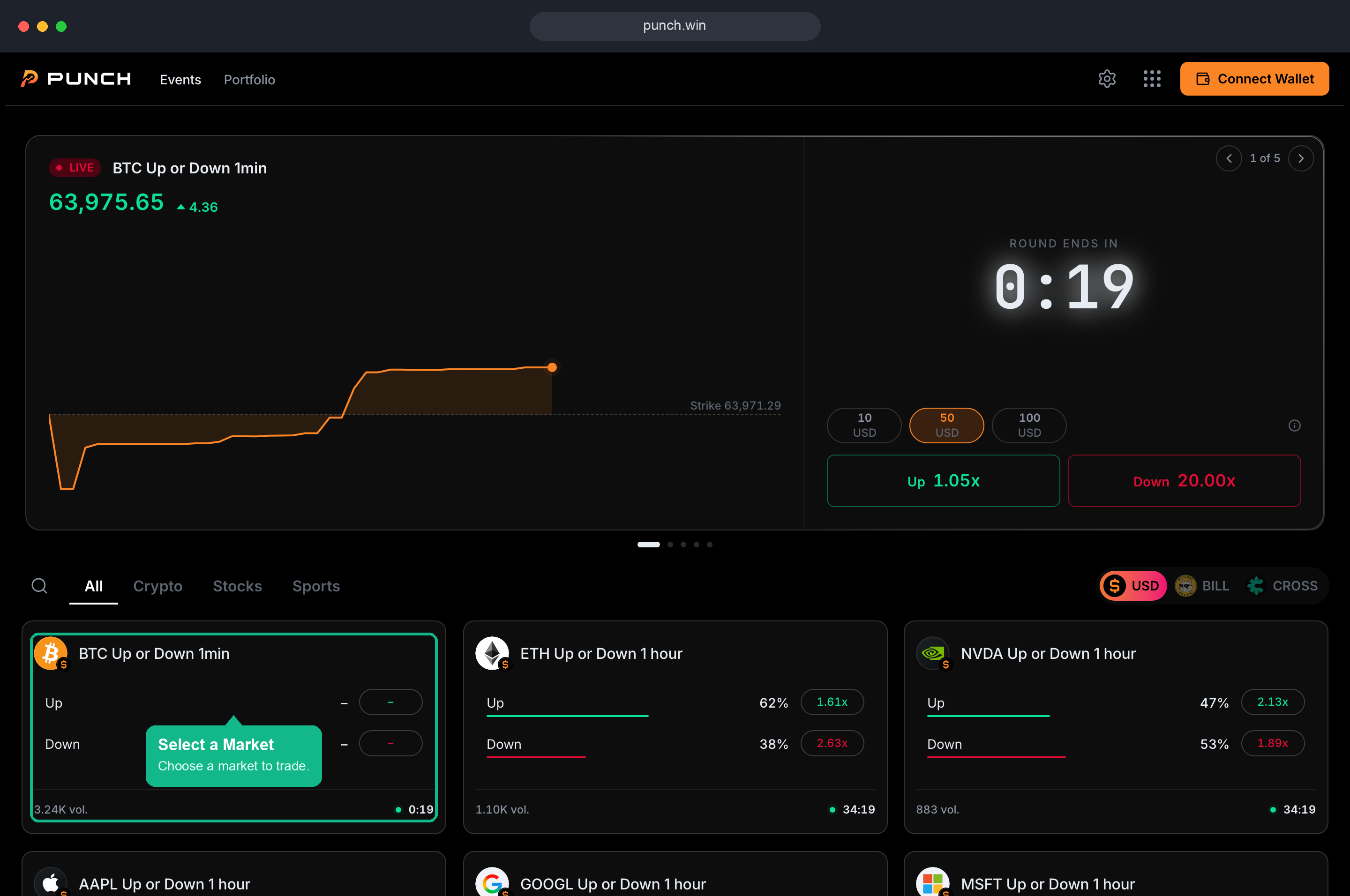
**Markets are organized by trading currency.** Pick **POINT** or **USD** at the top to view the markets available in that currency. Then narrow further by category (Crypto, Politics, Sports, Macro, Culture) or sort by volume, newest, or ending soon.
***
## Step 2: Pick Your Position
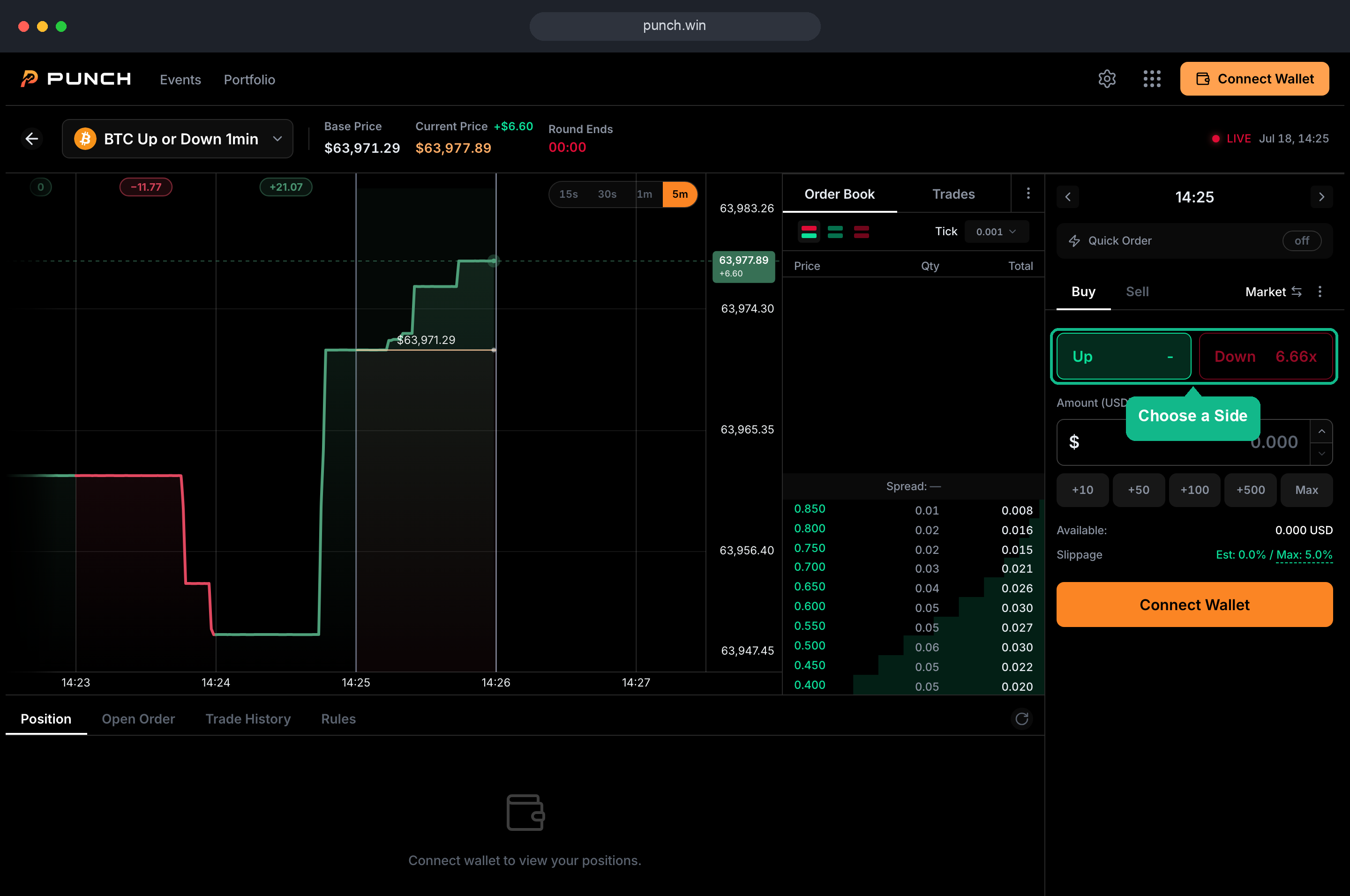
Every market has two sides. For Event Markets, it's **Yes** or **No**. For Crypto Markets, it's **Up** or **Down**. Select your side, enter the amount you want to spend, and review the estimated Shares and potential payout before confirming.
> The buy/sell panel shows the trading currency at the top. Markets in POINT are bought and sold in POINT, and the same applies to USD.
***
## Step 3: Confirm & Submit
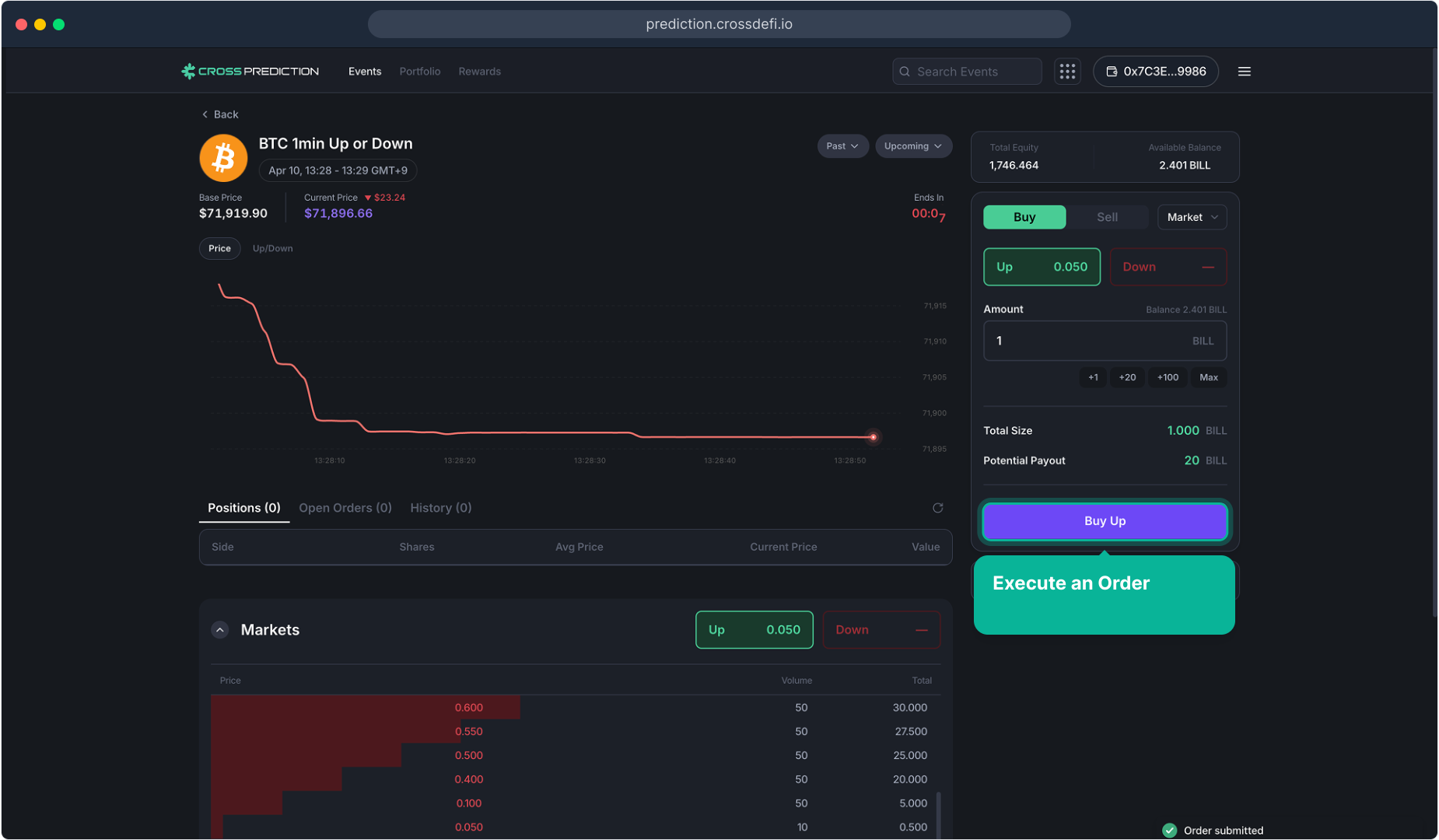
Hit **Buy** to submit a **Market Order**, which fills instantly at the best available price. Prefer to set your own price? Switch to **Limit Order**, which posts to the orderbook and executes when your price is reached (with 0% Maker fees).
For details, see [Order Types](/trading/trading/order-types.md) and [Buy & Sell](/trading/trading/buy-sell.md).
***
## Step 4: Review Results
* **Portfolio**: View held positions, real-time PnL, open orders, trade history, and Rebates.
***
## Execution Example
> Buy 100 Shares of **Up** at $0.550 in the "BTC 1-Minute Up/Down" market
| Item | Value |
| ------------------- | ------------------------------------------------------ |
| Amount Spent | 100 × $0.550 = $55.000 |
| Fee (Taker) | 0.500 × 100 × 0.550 × 0.450 = **$12.375** |
| Total Cost | 55.000 + 12.375 = **$67.375** |
| Outcome Up (Win) | 100 × $1.000 = $100 received → Net profit **+$32.625** |
| Outcome Down (Loss) | 100 × $0.000 = $0 → Net loss **-$67.375** |
> **Tip**: Fees are higher when the price is closer to $0.500, and lower when the price is closer to $0.001 or $0.999. For more details, see [Fee Structure](/market-structure/market-structure/fees.md).